PixelPals Haven
Opening the next view…
Preparing the page without changing your saved work.
 Gear intelligence for complete setups
PixelPals Haven
Preparing the page without changing your saved work.
Wheelbase buying guide
Choose the platform, mounting and wheel ecosystem first. Torque becomes useful only when the rest of the rig can support it.
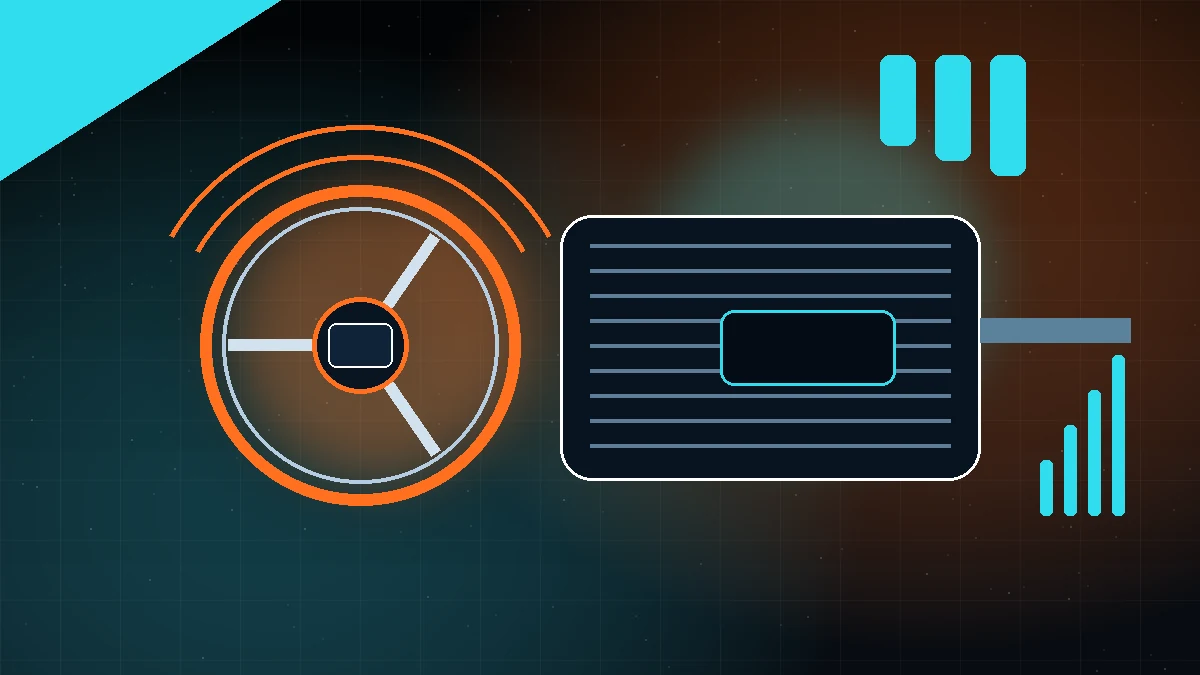
A direct-drive wheelbase couples the motor to the steering shaft instead of transferring force through a belt or gear stage. That can improve response and reduce mechanical filtering, but the complete experience still depends on motor control, software, mounting, wheel mass and simulator force-feedback output.
Confirm the exact base and wheel combination for PC, Xbox or PlayStation. Console compatibility may depend on a licensed wheel or base within the same ecosystem. Also confirm support for the simulators you actually use and whether firmware configuration requires a Windows PC.
Peak torque is headroom, not a target that must be used. A rigid cockpit can support stronger bases more safely than a flexible desk or light wheel stand. Choose a range that allows useful force-feedback detail without requiring settings that cause fatigue or make the rig move.
Compare front, side and bottom mounting support, hole spacing, bracket availability, bolt length and clearance for cables. Stronger bases may also recommend an emergency stop. Confirm the cockpit plate is rated and physically drilled for the chosen mounting method.
List the wheel shapes and controls you will need: formula, GT, round, rally, truck or historic. Check diameter, weight, shifter type, clutch paddles, button layout, display support and how the quick release handles electrical connection and play.
Configuration tools may control rotation, maximum torque, damping, friction, interpolation and game profiles. Look for clear documentation, profile backup, firmware recovery and active simulator support. Record a stable baseline before changing multiple filters.
Published .