PixelPals Haven
Opening the next view…
Preparing the page without changing your saved work.
 Gear intelligence for complete setups
PixelPals Haven
Preparing the page without changing your saved work.
Gaming PC build guide
Define the games, resolution and frame-rate goal before dividing the budget among graphics, processing, memory, storage, power and cooling.
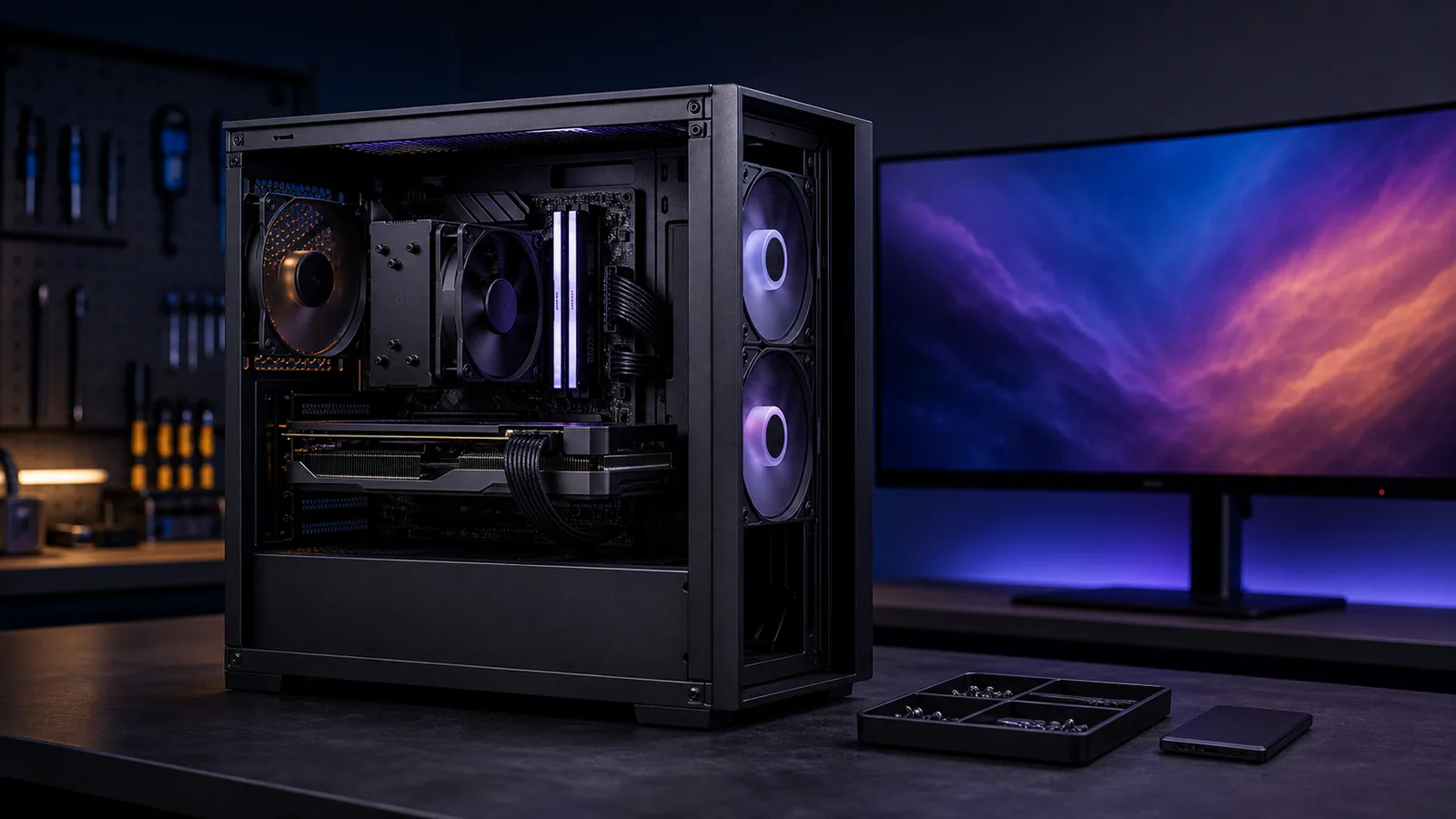
Name the games, display resolution, image-quality expectations and minimum acceptable performance. A system intended for high-refresh competitive play has a different balance from one built for 4K single-player games or simulation with many background processes.
Resolution, visual settings and ray-tracing features can increase graphics workload. Compare reviews using the same game version, settings and resolution. Average frame rate alone is incomplete; frame-time consistency and lower-percentile results help reveal stutter and CPU or memory limits.
High frame-rate targets and simulation-heavy games can make processor performance more important. Streaming, recording, voice processing, browsers and launchers also consume resources. Avoid paying for unused cores while leaving the actual gaming workload limited elsewhere.
Capacity should cover the game, operating system and normal background applications without sustained paging. Use a supported memory configuration and verify stability before enabling performance profiles. More capacity is useful when it prevents swapping; unused capacity does not increase frame rate by itself.
Use solid-state storage for the operating system and active games. Leave room for updates, recordings and temporary files. Microsoft describes DirectStorage as an API that can help supported games use high-speed storage with lower CPU overhead, but benefits depend on the game implementation and the complete system.
Check the complete system load, transient behavior, required connectors and power-supply quality. Cooling should keep the processor, graphics card, memory and storage within their intended operating conditions without an unacceptable noise level. Verify case airflow and physical clearance before buying large components.
A larger power supply or motherboard is only valuable when a likely future part can use it. Document the current bottleneck, required physical space and firmware support before replacing a component. Upgrading against a measured limit is more reliable than following a fixed calendar.
Published .