PixelPals Haven
Opening the next view…
Preparing the page without changing your saved work.
 Gear intelligence for complete setups
PixelPals Haven
Preparing the page without changing your saved work.
Gaming audio buying guide
Plan playback, voice communication, platform compatibility, comfort and connection before deciding between a headset and separate components.
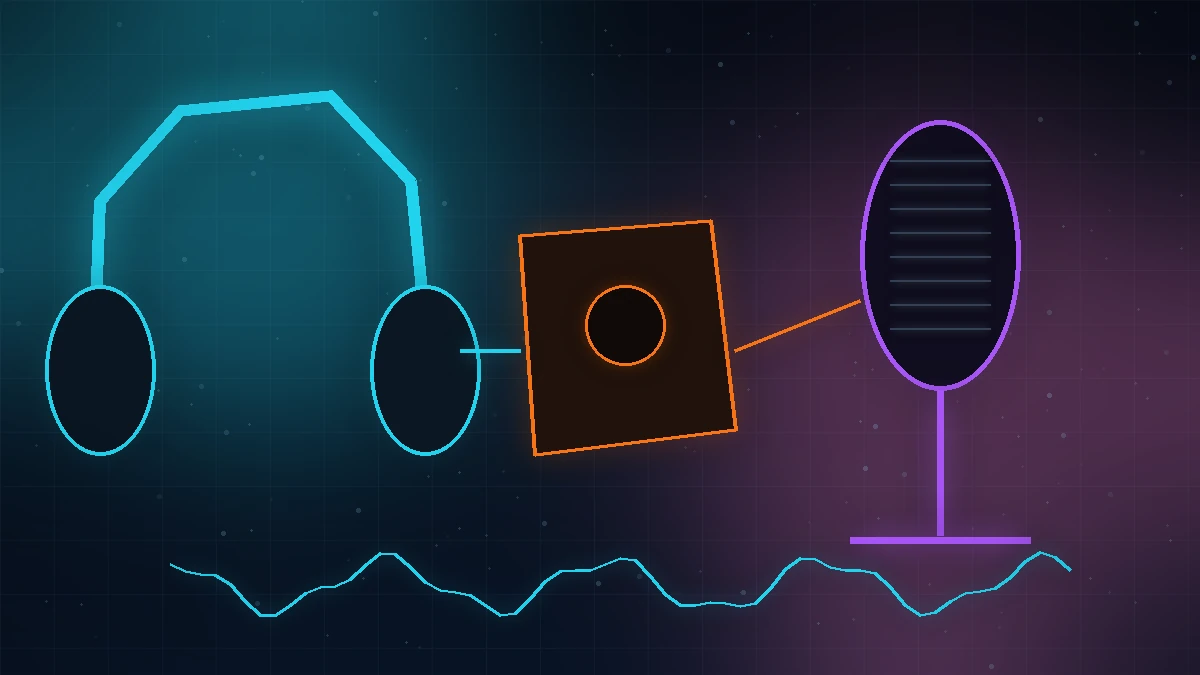
A headset combines headphones and a boom microphone, which simplifies console and shared-space setups. Separate headphones and a microphone make each part easier to choose and upgrade, but require more desk space, cabling and sometimes an interface.
Closed headphones reduce external noise and limit sound leakage. Open headphones can sound more spacious and reduce heat for some listeners, but they leak sound and provide little isolation. The room and other people in it should decide the design.
USB headsets, analog controller connections, Bluetooth and proprietary wireless transmitters have different feature support. Confirm microphone operation, chat mixing, sidetone, surround processing and volume control on each intended PC, console or mobile device.
A microphone close to the mouth can reject more room noise before software processing. Set gain for normal speech, monitor for clipping and listen for keyboard noise, fan noise and breath. Noise suppression is useful, but heavy processing can make speech unnatural.
Dolby Atmos for Headphones and similar systems process supported audio for headphone playback. Some games and listeners benefit, while others prefer stereo or a game's own binaural mix. Avoid enabling several spatial or surround processors at the same time.
Clamp force, weight, pad depth, heat, glasses pressure and cable pull become obvious with time. Battery life should be measured against the longest normal session with enough margin to avoid charging during play.
Published .