PixelPals Haven
Opening the next view…
Preparing the page without changing your saved work.
 Gear intelligence for complete setups
PixelPals Haven
Preparing the page without changing your saved work.
Gaming
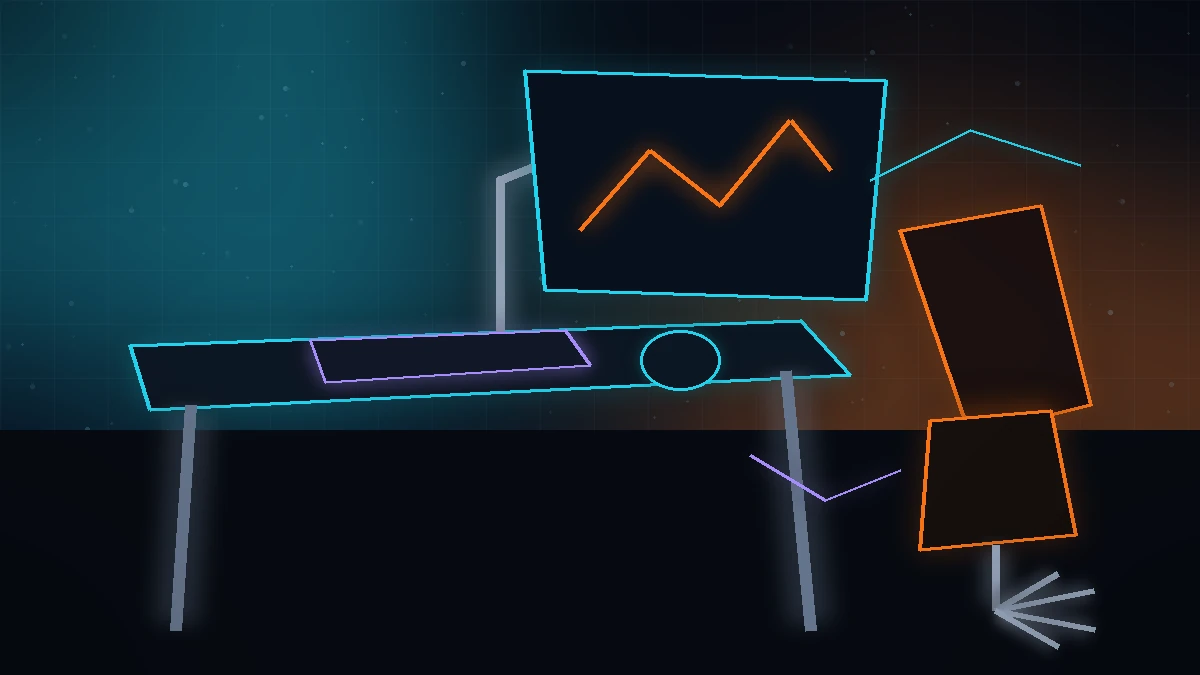
The room is part of the gaming system. A display at the wrong height, a shallow desk, unsupported arms or controls placed outside a comfortable reach can undermine every expensive component on the desk.
Decide before buying
Start with the games, platform, room and connection path. Product specifications become more useful after the setup is defined.
Monitor size, stand footprint, keyboard position and viewing distance all depend on usable depth.
Desk and chair height should let the shoulders relax while the keyboard, mouse or controller remains close.
The stand or arm must support the display and place it without forcing the neck upward or to one side.
Height-adjustable desks and monitor arms need slack, strain relief and protected power routing.
Place the keyboard and mouse close enough that the upper arms can remain near the body. If the desk edge forces the arms forward or the mouse requires a long reach, changing peripherals alone will not solve the posture.
Adjust the chair and desk first, then place the screen. The top portion of the display should be viewable without lifting the chin, and the viewing distance should allow the full image to be seen without constant head movement.
Seat depth, back support, armrest range and height adjustment matter more than a racing-inspired silhouette. The feet should be supported and the seat should not press behind the knees.
Position the display away from strong reflections and use room lighting that reduces eye strain without washing out the screen. Decorative RGB is optional; useful ambient light and a readable keyboard are practical.
Do not bury power strips where they cannot be inspected. Leave access to the PC filters, ports and cable connections, and provide enough slack for moving desks or monitor arms without pulling connectors.
Related reading