PixelPals Haven
Opening the next view…
Preparing the page without changing your saved work.
 Gear intelligence for complete setups
PixelPals Haven
Preparing the page without changing your saved work.
Creator studio planning guide
A good studio is a repeatable workflow inside a real room. Define the content, space, signal paths and upgrade order before the budget disappears into isolated products.
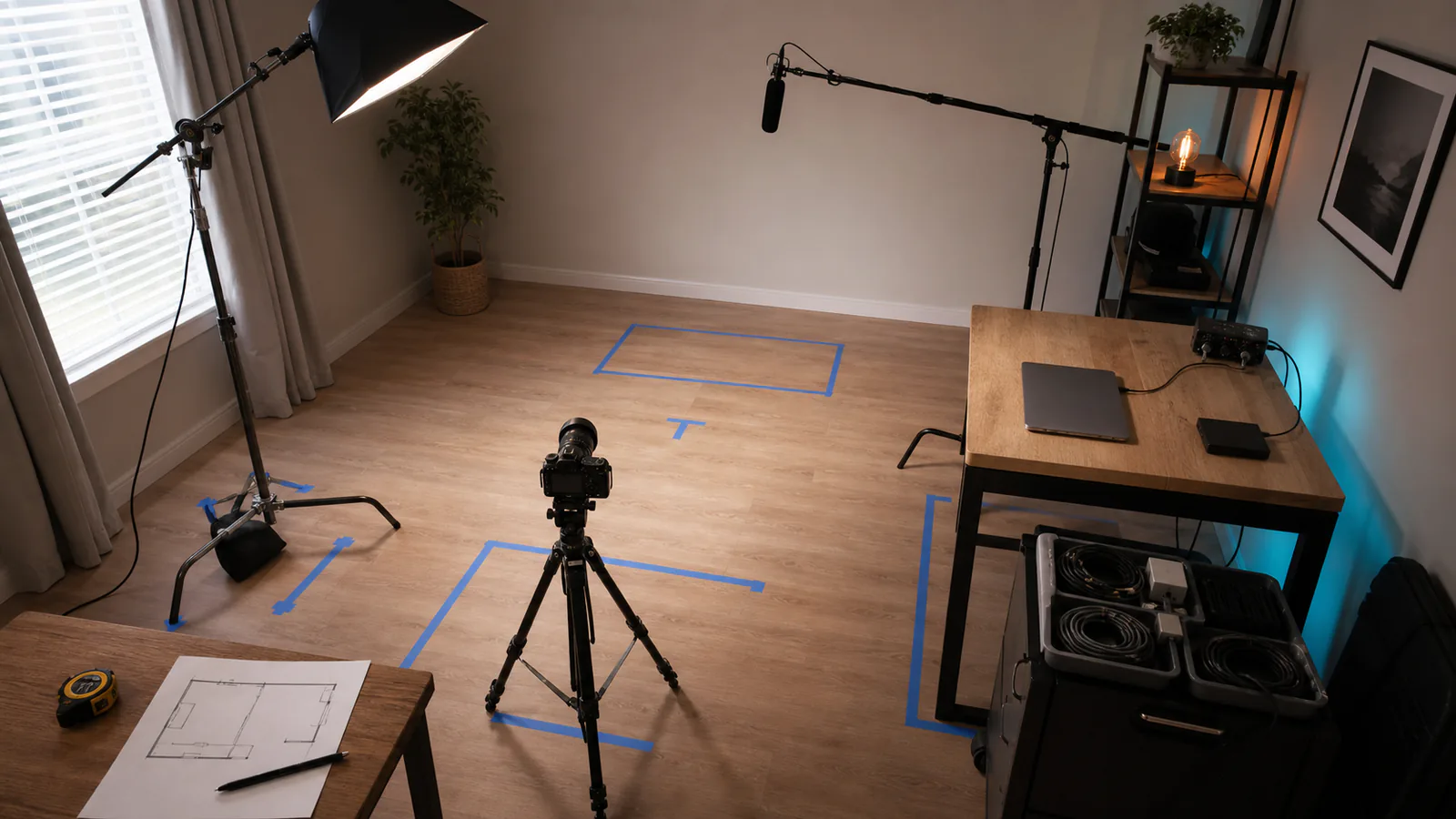
List the formats you will actually publish: talking-head video, livestreams, interviews, podcasts, product shots, tutorials or short vertical clips. Note the number of people, camera angles, recording duration and turnaround time. These decisions determine the studio more directly than a shopping list.
Mark camera position, subject position, background distance, desk depth, ceiling height, doors and windows. Check where noise enters and where lights can safely stand or mount. A lens, boom arm or softbox that does not fit the room is not a bargain.
Speech is difficult to rescue when it is clipped, distant or covered by room noise. Choose microphone placement, control obvious noise and create a monitoring path before investing heavily in decorative lighting.
The camera needs to produce the required format for the required duration. The lens must create the intended framing from the available distance. For streaming, also confirm clean video output, continuous power, capture compatibility and thermal behavior.
Begin with a key light that can return to the same position and brightness. Control daylight when consistency matters. Add fill, hair or background light only when it solves a visible problem in the frame.
Draw the video and audio paths from source to computer, recorder and headphones. List the required ports, cables, capture devices and adapters. Decide which screen shows the camera, program output, chat and recording status.
Count every powered device and avoid overloading one convenient outlet. Keep signal and power cables secured away from feet and moving mounts. Label both ends of cables that are difficult to trace after the desk is assembled.
Estimate footage generated per session. Fast storage supports editing, but a second copy protects the work. Decide when files are copied, when cards can be formatted and where completed projects are archived.
Test each stage before adding the next. A stable simple setup teaches you more than a complex room where every failure has five possible causes.
Published July 17, 2026.